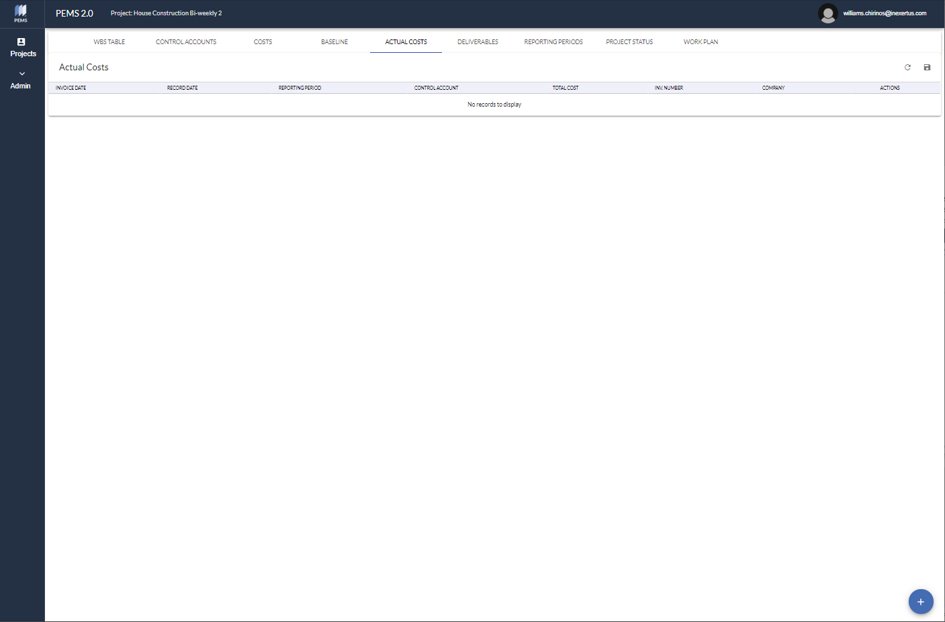
This screen allows to input Actual Costs of invoices into Control Accounts during construction.
Click the bottom right blue dot to input a new actual cost.
Delete, edit or view a particular invoice on the right side menu.
Download the actual cost data in an Excel spreadsheet selecting the top right disk symbol.
Adding Actual Costs
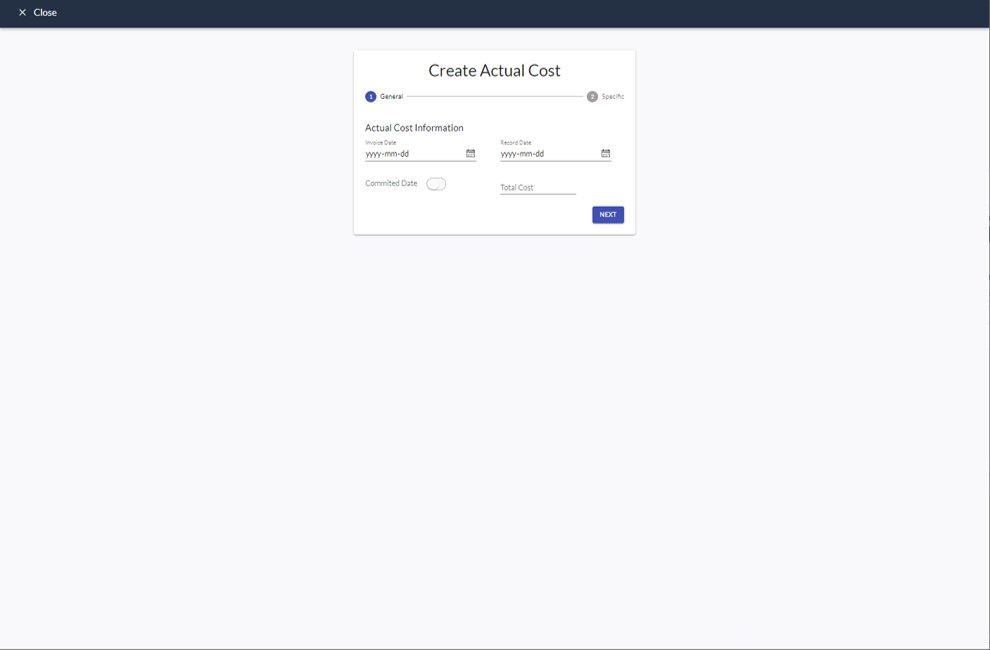
This screen displays the steps General and Specific.
General: Input invoice date, record date into the system, total cost, and committed date for future costs.
Specific: Select the control account, and input – charge account, invoice number, company, contract number, and contract name.