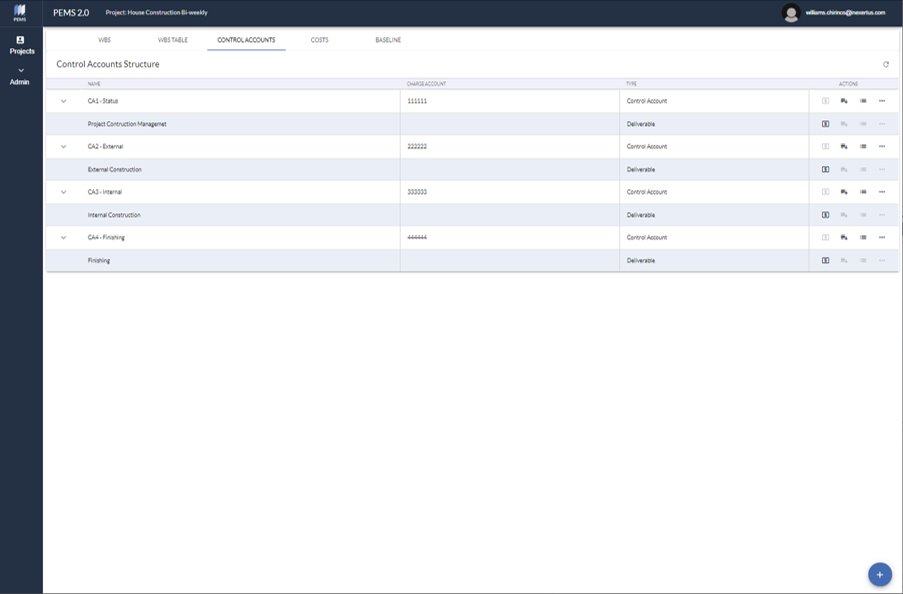
This screen allows to create Control Accounts and elaborate Cost Estimates.
Control Accounts:
1. Click the bottom right blue dot to input a control account – name, accounting charge account, start and end dates, and responsible.
2. Allocate a deliverable to a control account selecting the bars with the + symbol (Add Deliverable) on the right side menu.
3. Input costs to produce a particular deliverable selecting the square with the $ symbol (Add Costs) on the right side menu.
4. Delete, edit or view a particular control account on the extended right side menu.
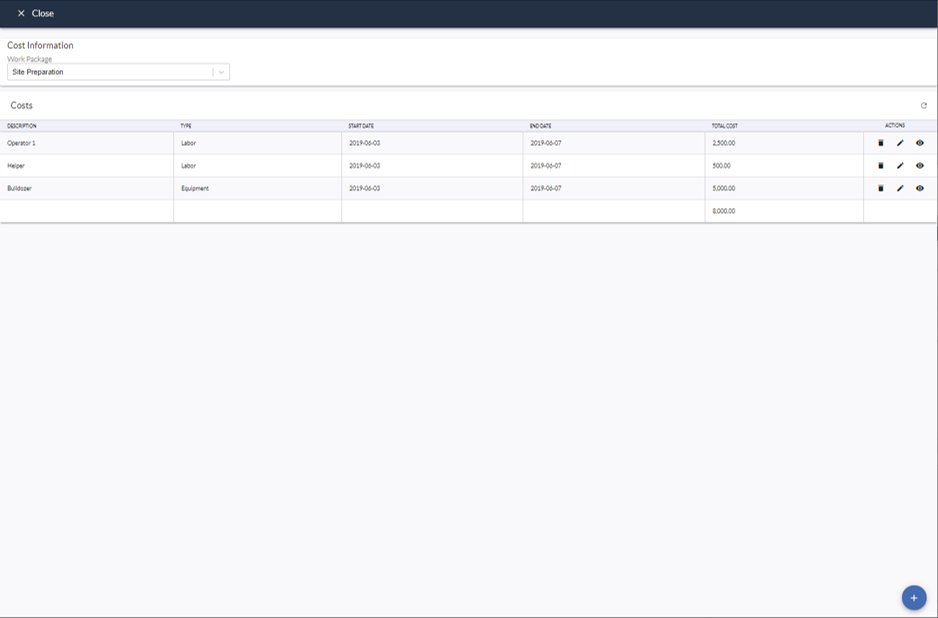
Adding Costs to Control Accounts
This screen allows to input Costs by Work Packages in a particular Deliverable allocated to a Control Account.
Select the work package on the top left dropdown menu.
Click the bottom right blue dot to input a new cost item.
Delete, edit or view a particular cost item on the right side menu.
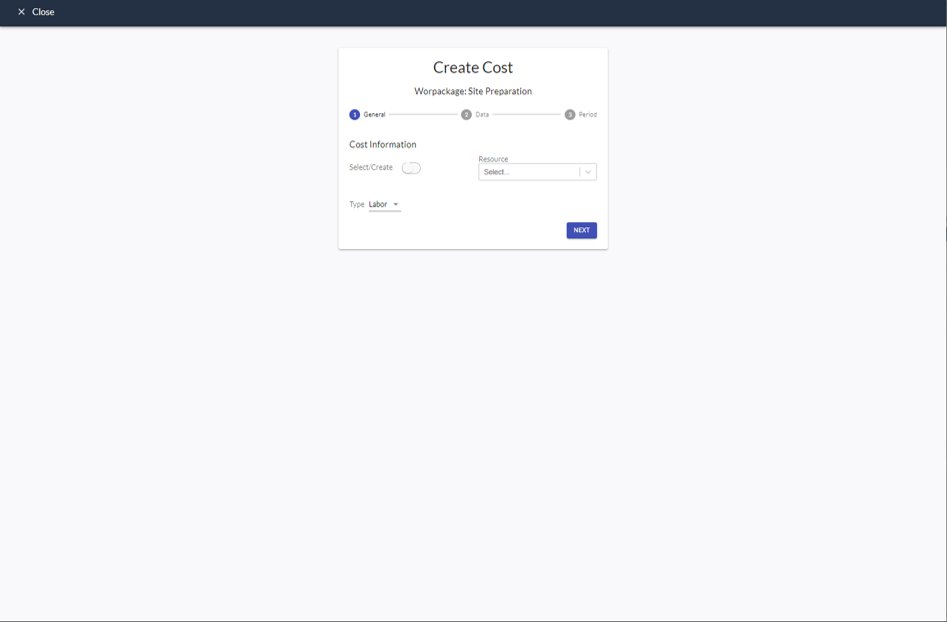
Creating a Cost
This screen displays the steps General, Data, and Period.
General: Input or select the resource and type of cost – labor, equipment, material, subcontract or other.
Data: Input the calculation data – hourly rate, journey, quantity, unit, unit rate or unit price.
Period: Input the cost item start and end dates.